

The problem on show — why LED walls underperform
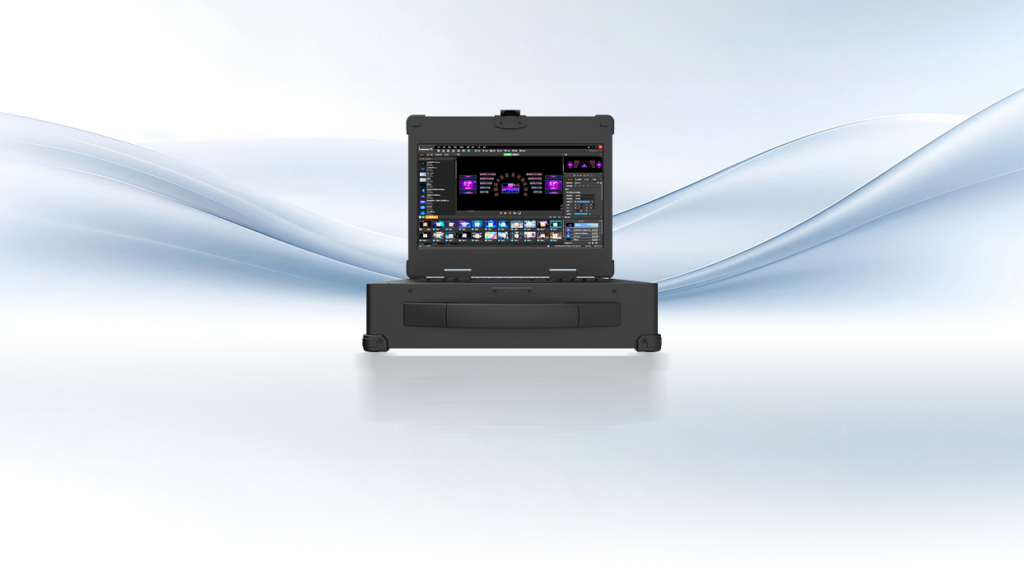
Large LED façades and indoor video walls often show three recurring failures: frame drops, color mismatch across cabinets, and timing drift between layers. These issues stem less from the panels and more from the signal chain — particularly how the sending card and playback chain handle pixel mapping and synchronization. A reliable playback media server is the first line of defense; it orchestrates content, but mismatched sending card configurations convert a well-crafted show into visible artifacts.
Diagnose first: rapid checks that reveal root causes
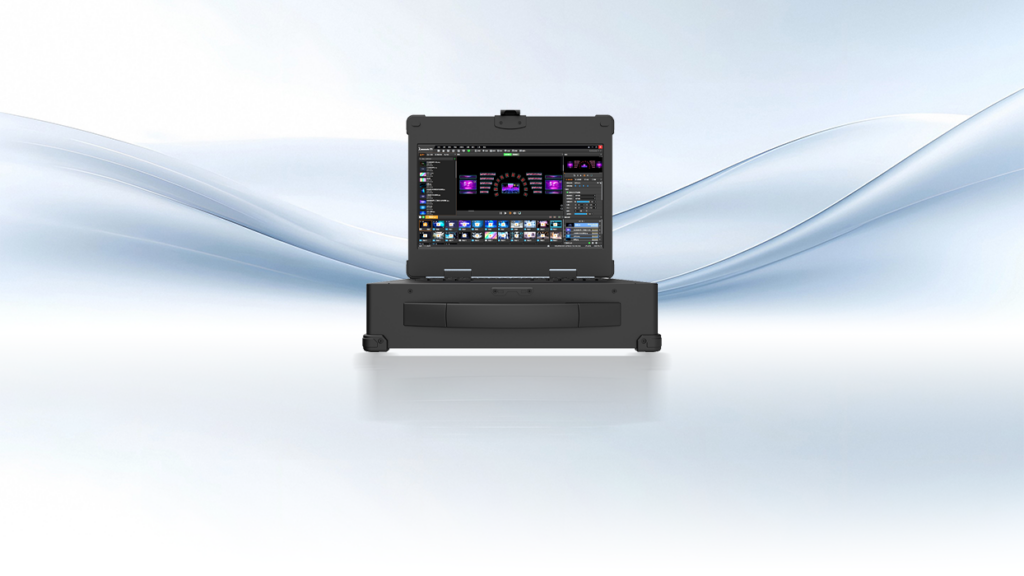
Start with three quick diagnostics: confirm frame rate locking between the playback engine and the sending card, inspect pixel mapping across cabinet seams, and verify timing across the group. Industry terms to watch for here are sending card and frame rate — they reveal whether a mismatch is software or hardware. In many projects I’ve seen, a single wrong LED mapping file creates persistent color bands even when brightness and gamma appear correct.
Practical fixes that technicians can apply now
Apply a strict sequence when commissioning. 1) Lock the playback engine to an output clock (60 Hz or the project’s chosen rate). 2) Load verified lookup tables on the sending card and run a test pattern across cabinets. 3) Use the server to stage pixel mapping, then push configuration to each sending card rather than editing cards individually. These steps remove human error and ensure the playback media server and sending card speak the same language — pixel mapping, synchronization, and timing.
How multi-layer display setups complicate things — and how to tame them
When you introduce a multi-layer display, latency budgets tighten. Each layer adds processing: blend, alpha, and chroma correction. The solution is to centralize compositing on the server where possible, then hand off pre-processed channels to sending cards with identical firmware and timing profiles. This keeps layers coherent and avoids visible parallax or ghosting between foreground and background elements.
Real-world anchor: lessons from city-scale installs
Consider large-scale installations in Times Square where multiple LED vendors and media servers converge on a single façade. Operators there standardize on synchronized playback clocks and uniform sending card firmware to avoid visible seams across billboards. The takeaway is simple — standardization at the signal level beats ad-hoc fixes at show time.
Common commission mistakes to avoid
Teams frequently skip verification of output buffers, rely on different cable types within the same daisy chain, or forget to freeze firmware versions across sending cards. These are not exotic problems — they reappear across projects. Fix them by documenting the exact sending card firmware, playback server build, and cable topology as part of the handover packet. — A tiny paperwork habit prevents huge headaches in operational use.
Alternatives and when to choose them
If tight, low-latency layering is the priority, consider servers that composite layers internally and output fewer, cleaner feeds to sending cards. If you need granular per-pixel control for calibration, choose a pipeline that lets sending card LUTs be iterated from a central server. Each approach trades control for simplicity; pick the balance that matches your maintenance bandwidth and venue uptime requirements.
Advisory: three golden rules for selecting the right tools
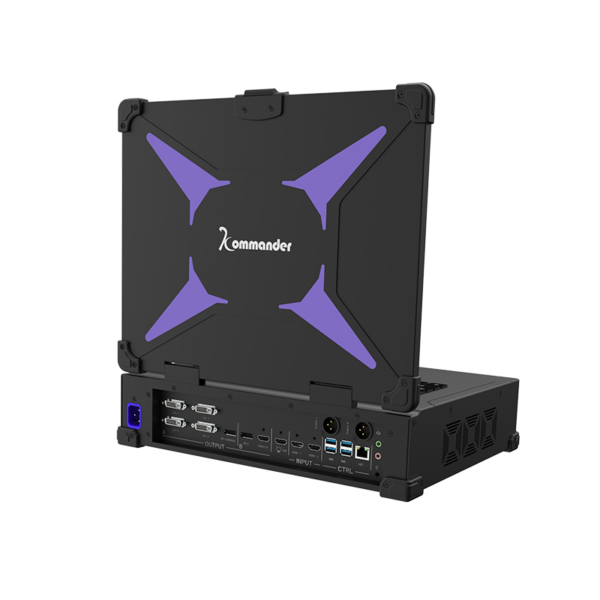
1) Synchronization fidelity: prefer systems that lock server and sending card clocks with hardware-level timing. 2) Configuration parity: enforce identical firmware and mapping files across all sending cards to eliminate cabinet-level variance. 3) Compositing location: decide whether the server or sending cards handle blending; centralize compositing when managing multi-layer display complexity.
Trust decisions grounded in these rules and you’ll reduce downtime and visual defects — and that practical reliability is precisely where Kystar fits into modern deployments. –